
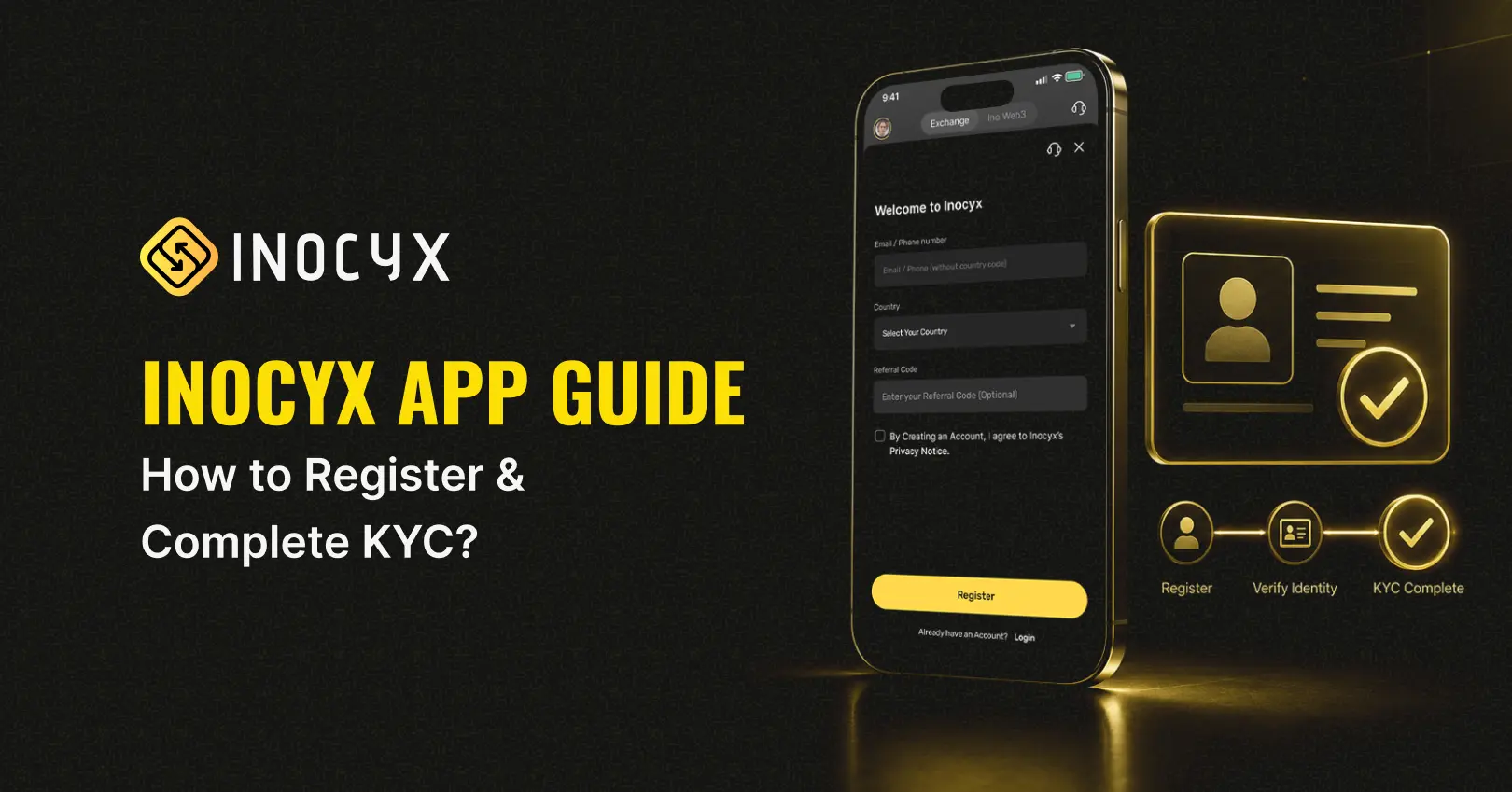
How to Register, Sign In & Complete KYC on Inocyx App (Step-by-Step Guide)
- Inocyx
- August 17, 2026
- Tutorials
- Buy Bitcoin India, crypto exchange India, Crypto Trading App, Cryptocurrency App, Inocyx Account Registration, Inocyx app, Inocyx KYC, Inocyx login, KYC verification, Mobile Crypto App, Secure Crypto App
- 0 Comments
What is the Inocyx app, and how does it work?
The Inocyx app is a modern crypto app that helps to buy, sell, and manage cryptocurrencies through your phone safely and easily. This crypto app connects users to a platform where they are able to do quick and safe crypto trading.
For beginners, you can consider it a crypto trading app where you can register for an account, deposit money, and begin your trading journey. You will find all the necessary information through this Inocyx mobile app guide.
How to create an account on the Inocyx app?
If you are wondering how to create an Inocyx account, the process is quick and secure.
Steps for Inocyx Account Registration
- Download and open the Inocyx app
- Tap on Sign Up / Register
- Enter:
- Email address
- Mobile number
- Strong password
- Accept terms and conditions
- Enter the OTP sent to your email
Your Inocyx account registration is now complete.
These steps complete your “How to create an Inocyx account?” process.
What are the requirements to register and complete KYC on Inocyx?
Make sure you have the following before beginning the Inocyx account verification process:
Basic Requirements:
- Valid mobile number or email ID
- Stable internet connection
- Smartphone with the app installed
KYC Requirements:
- Government-issued ID (Aadhaar, PAN, Passport, etc.)
- Selfie or live photo verification
- Basic personal details (name, DOB, address)
These are necessary to finish the Inocyx account verification process and guarantee a secure cryptocurrency app login.
How to register, sign in, and complete KYC on the Inocyx app step by step?
This Inocyx user tutorial explains the full process clearly.
Step 1: Get the Inocyx app.
The first step is to download the crypto app from the app store. After you install it, open the app to get started.
Step 2: Sign Up for an Account
After completing the crypto app download, click “Sign Up” and fill out your information. Use OTP to confirm your email or phone number.
This is the end of the process for Inocyx account registration.
Step 3: Log in to Inocyx
Now, use the information you registered to log in. Here are the basic Inocyx login steps.
To keep a secure crypto app login, always make sure your login information is safe.
Step 4: Start the KYC Process
Go to your profile now and click the link to verify. This will start the KYC process on our Inocyx account verification process.
Step 5: Upload Documents
When you upload for KYC verification, please have your ID and any other legal documents ready, as well as any other personal information that is asked for.
Make sure that all of your documents and personal information are correct, because if they aren’t, there may be delays.
Step 6: Wait for Approval
After you send in your documents, wait for Inocyx to look them over and approve them.
Inocyx will make your account fully active once it has been reviewed and approved.
You have successfully completed how to register and complete KYC on the Inocyx app. You can now start trading on our site!
Inocyx Security Tips
The app is safe, but you can make it even safer by following these simple Inocyx security tips:
- Never share your OTP and password with anyone.
- Use a strong password.
- Do not log in on a public computer/device.
- Keep your app updated.
If implemented, these simple steps will help ensure a safe, smooth, and secure experience with any crypto app.
Conclusion
It is easy for beginners to use the Inocyx app login and verification guide. The process is quick and easy, from Inocyx account registration to completing KYC.
By following this Inocyx user tutorial, you can easily start using this cryptocurrency trading app and start your journey in crypto trading.
FAQs
What is the Inocyx app used for?
The Inocyx app is used for buying, selling, and managing cryptocurrencies on a crypto trading app.
How do I register on the Inocyx app?
Follow the Inocyx account registration steps by signing up with your mobile/email and verifying OTP.
How do I verify my Inocyx account?
Complete the Inocyx account verification process by uploading ID proof and a selfie.
How can I sign in to the Inocyx app?
Use your registered details and follow the Inocyx login steps to access your account.
Is the Inocyx app safe to use?
Yes, it supports secure crypto app login with strong security features.
How can I recover my Inocyx account password?
Click on “Forgot Password” and follow the reset instructions.
Why is account verification required?
It ensures security and compliance for safe usage of the crypto app.
Can I use the Inocyx app on multiple devices?
Yes, but always follow Inocyx security tips to keep your account safe.
How do I keep my Inocyx account secure?
Use strong passwords, enable 2FA, and never share your login details.